Calculate Vegetation Loss/Gain indicators#
To compute vegetation loss/gain on the service platform,
On the services menu, select the
 option

Selecting the vegetation Loss/Gain Service#
Click on the
 icon to open the layer settings dialog and select the data source and reporting year as shown below.
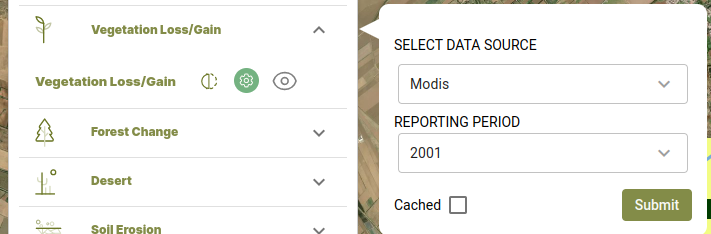
Vegetation gain/loss outputs#
To compute vegetation indices using Landsat derived vegetation indices(NDVI, MSAVI, SAVI),
On the Vegetation loss/gain dialog, select Landsat under the SELECT DATA SOURCE dropdown and click on the
 options to access the list of indices.
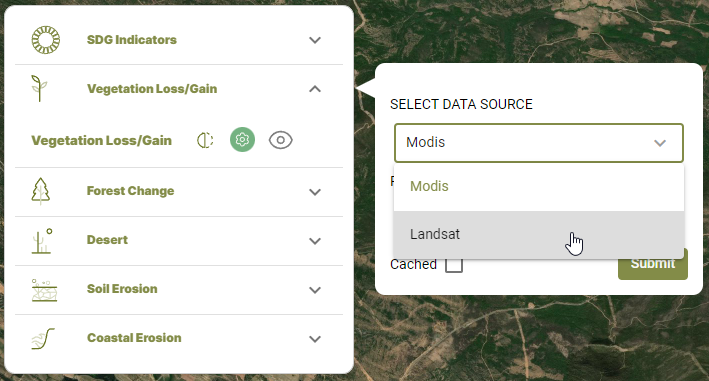
Selecting the Landsat-derived vegetation index option#
select the vegetation index form the SELECT VEGEATATION INDEX dropdown that is revealed. Select the reporting period before clicking on the
 button.
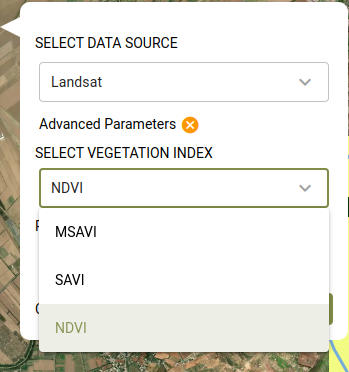
Choosing the vegetation index to compute#
The map and computed statistics will be displayed on the map panel and summary pannel respectively.
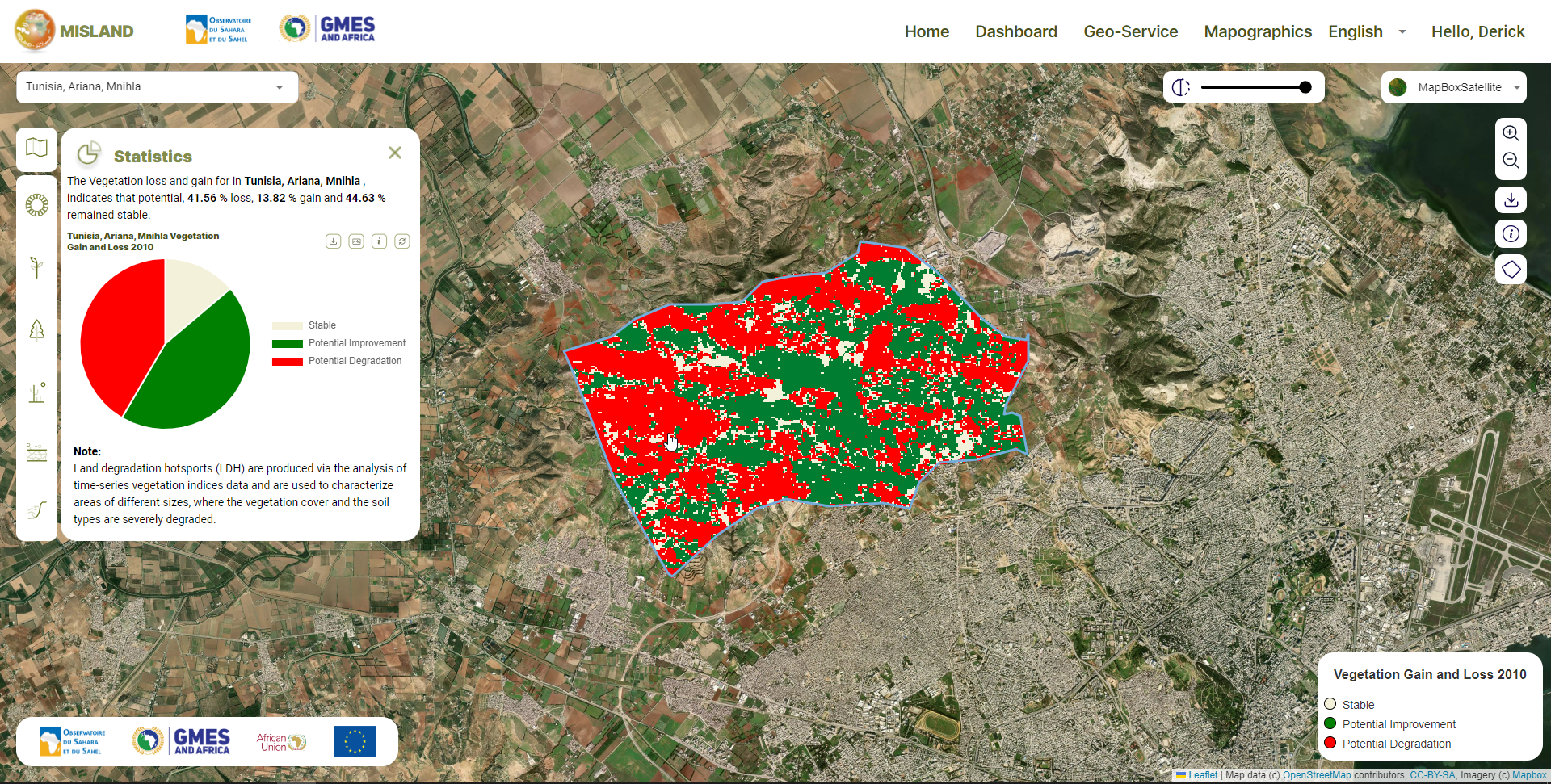
Landsat derived vegetation loss and gain output#